Using The Buttons In Multifunction Steering Wheel
- Press the appropriate multifunction steering wheel button continually until the "Settings" menu is displayed (button 1 in 2004-08 Golf Sedan & 2004 R32, or button 5 in all other models). See Fig 1 or Fig 2)
- Once in the service submenu, select "Reset" and then press the "OK" button (3 in 2004-08 Golf Sedan & 2004 R32, or 5 in all other models). The service interval is now reset.
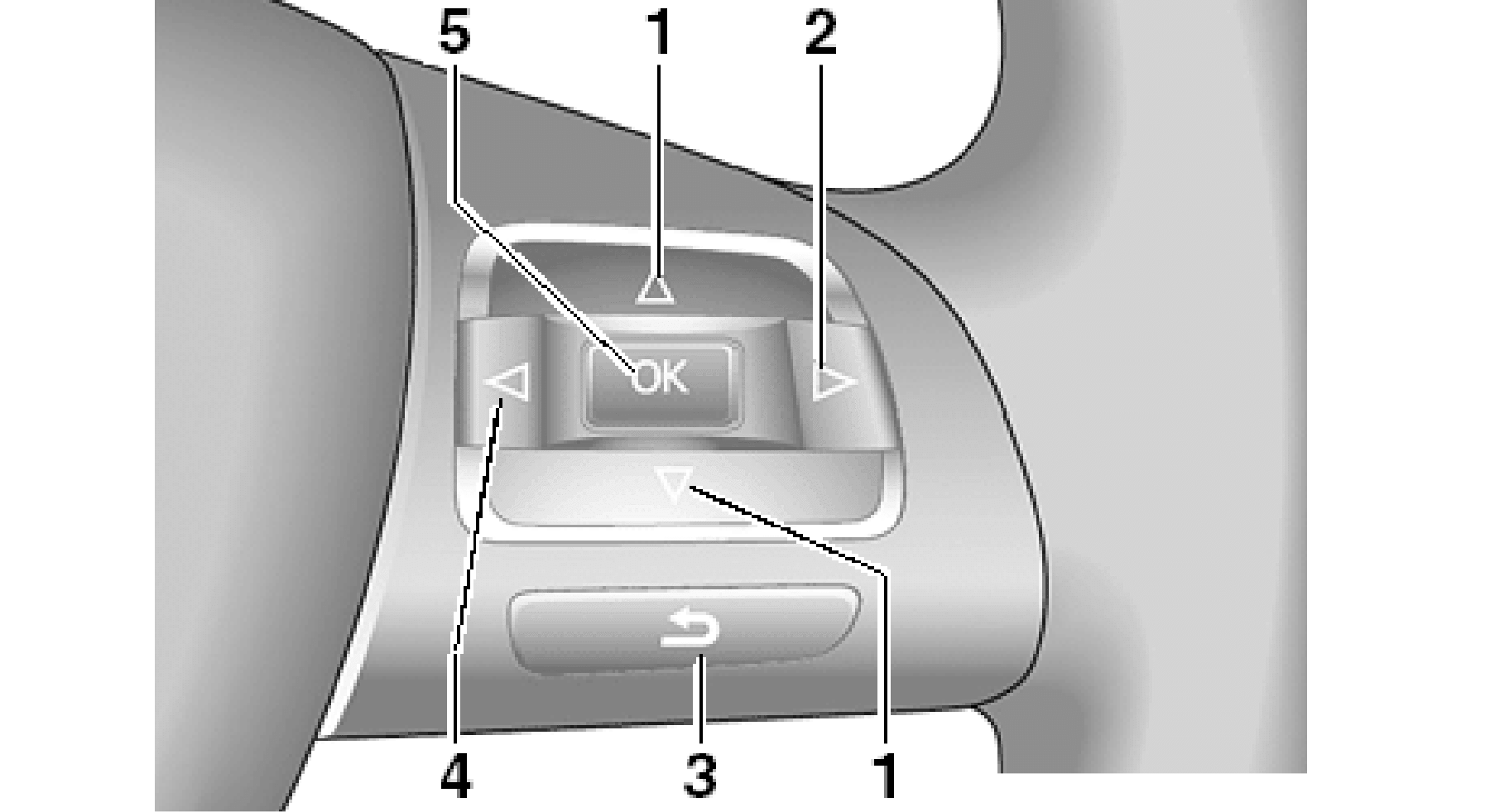 Courtesy of VOLKSWAGEN OF AMERICA, INC.
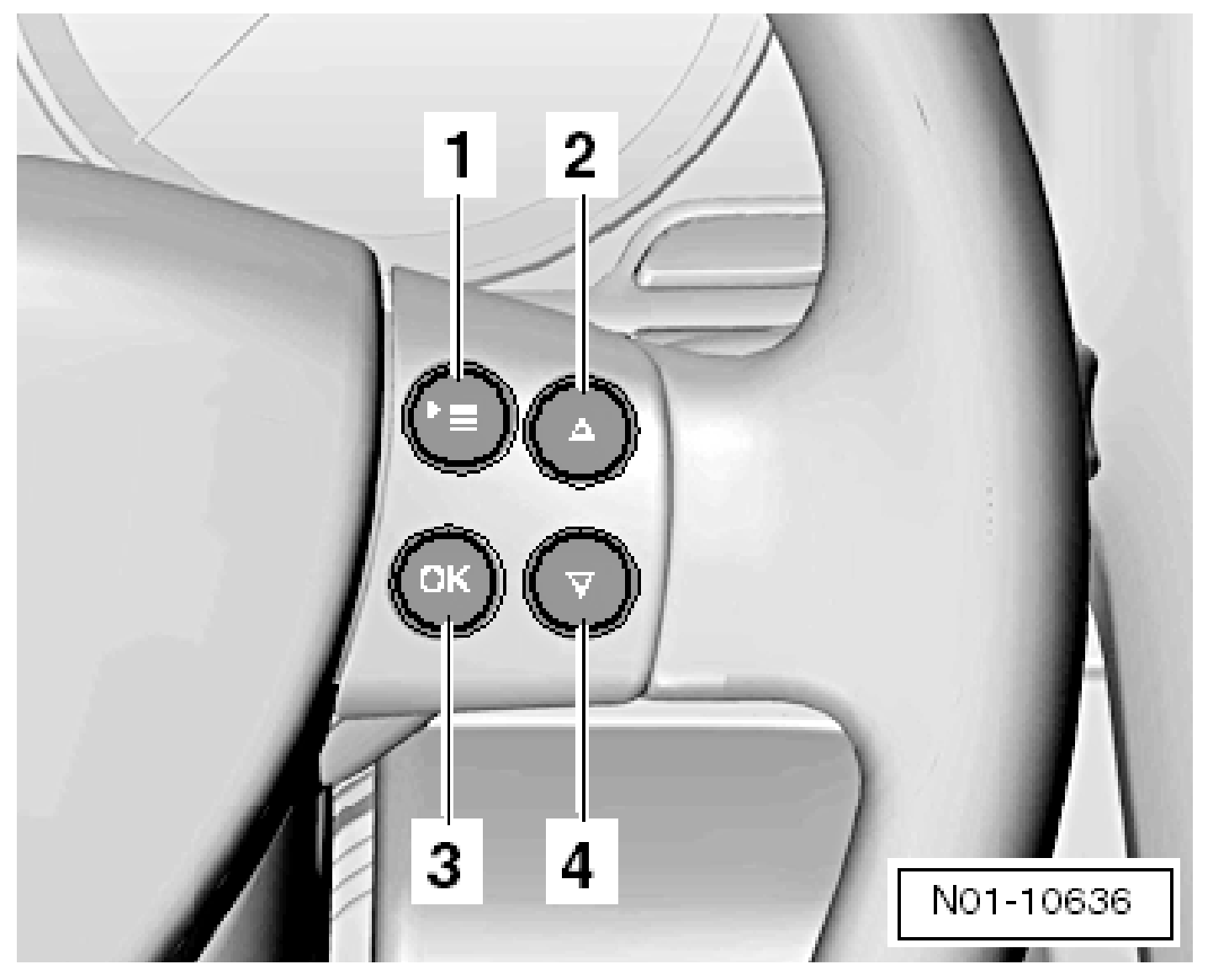 Courtesy of VOLKSWAGEN OF AMERICA, INC.