- Remove SIM card from MCU.
CAUTION:
Move release tab to eject card, use pocket screw driver at indicated area to allow card to move unobstructed.
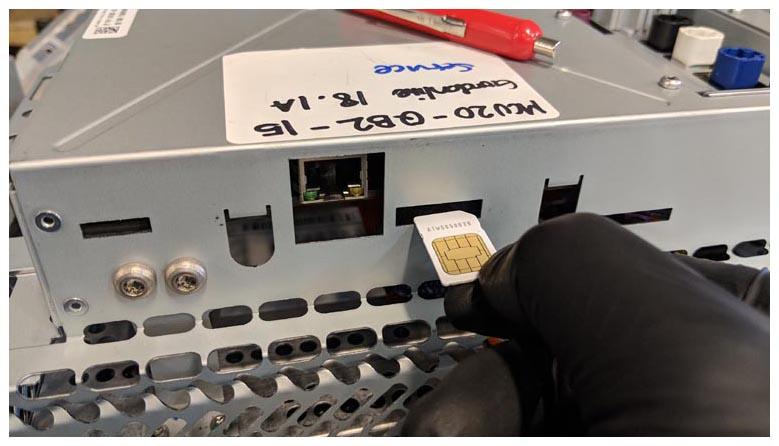 Courtesy of TESLA, INC. Courtesy of TESLA, INC.
|
- Make sure that the ESD wrist strap is grounded, and then put it on.
CAUTION:
Avoid damaging components inside the MCU. Wear an ESD wrist strap that must be grounded and worn throughout this procedure until instructed to remove it.
- Install the MCU from the vehicle MEDIA CONTROL UNIT (REMOVE AND INSTALL)
NOTE:
For China only
, after installment, make sure to authenticate the new SIM card. Refer to article 5655500 for more details.