DTC Check
DTC CheckNOTE: The MIL is turned on when the ECM and/or TCM detect malfunction(s). Each control module stores diagnostic information as the diagnostic trouble code (DTC) in its memory and outputs the DTC to the scan tool. Therefore, check both of the control modules for any DTC with the SUZUKI scan tool because the DTC stored in ECM and TCM is not read and displayed at a time. However, each of the control modules needs not to be checked with the generic scan tool because the DTC stored in ECM and TCM is read and displayed at a time.
1. Prepare CAN communication OBD generic scan tool or SUZUKI scan tool.
2. Turn ignition switch to OFF position.
3. Connect scan tool to data link connector (DLC) (1).
Special Tool (A): SUZUKI scan tool (SUZUKI-SDT)
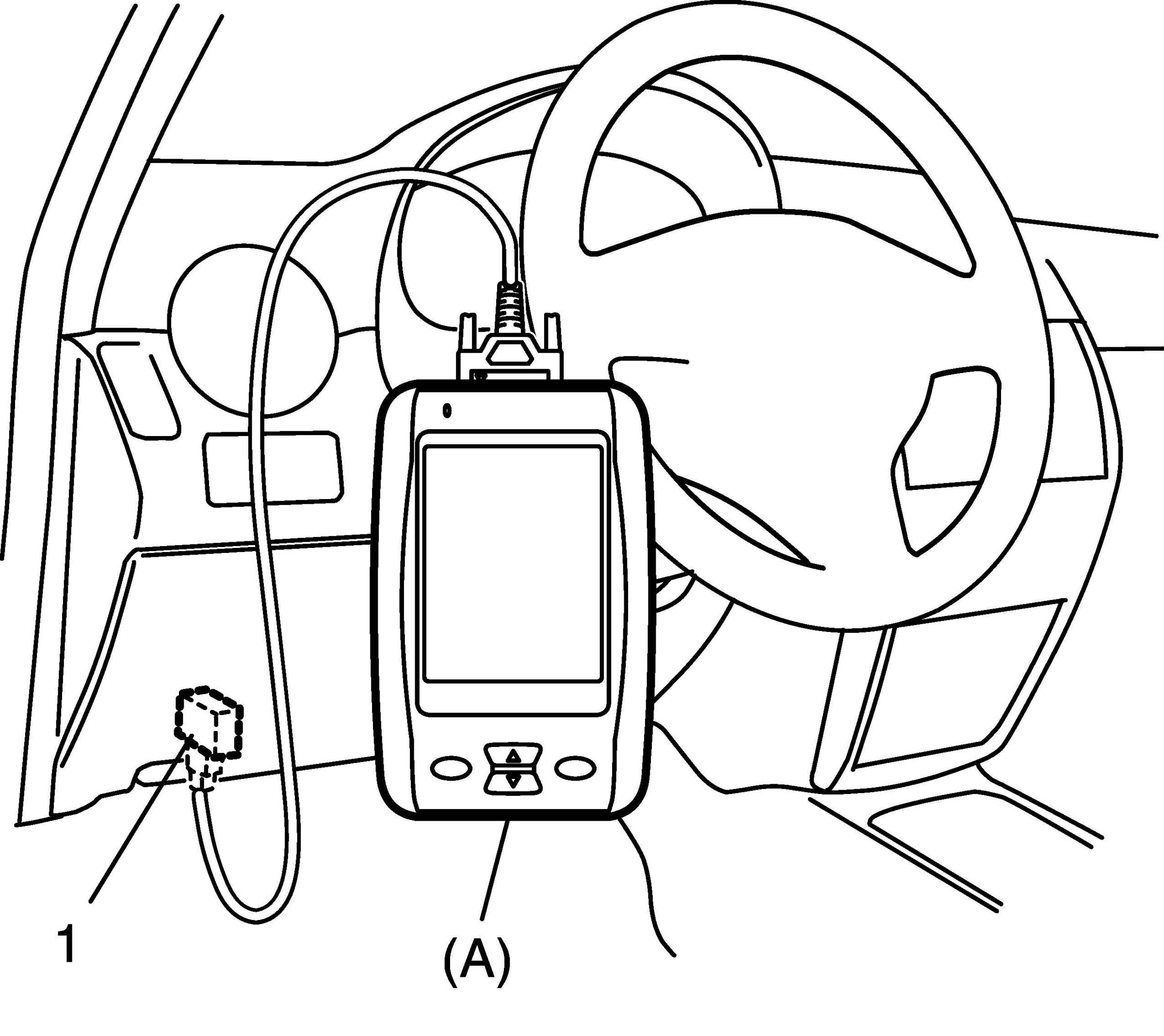
4. Turn ignition switch to ON position.
5. Read DTC, pending DTC and freeze frame data according to instructions displayed on scan tool and print it down. If communication between scan tool and TCM is not possible, go to Troubleshooting for Communication Error with Scan Tool Using CAN.
6. After completing the check, turn ignition switch off and disconnect scan tool from DLC.