September 30: LEMON manuals is back up on a temporary server! Slowness is possible
Camera System Connection
- Turn the ignition switch to "ON" with audio unit OFF. Next, while pressing the station preset "1" button, press and hold the station preset buttons in order, from "4" to "6" (or "6" to "4"), keeping all four buttons pressed for 1.5 seconds.
NOTE:
To exit the diagnostic mode, turn the ignition switch from ACC OFF to ON.
- When «System Diagnostic Menu» is displayed, select {Confirmation/Adjustmen} by SCROLL/TUNE dial, then press ENTER/SETTING key (SCROLL/TUNE dial).
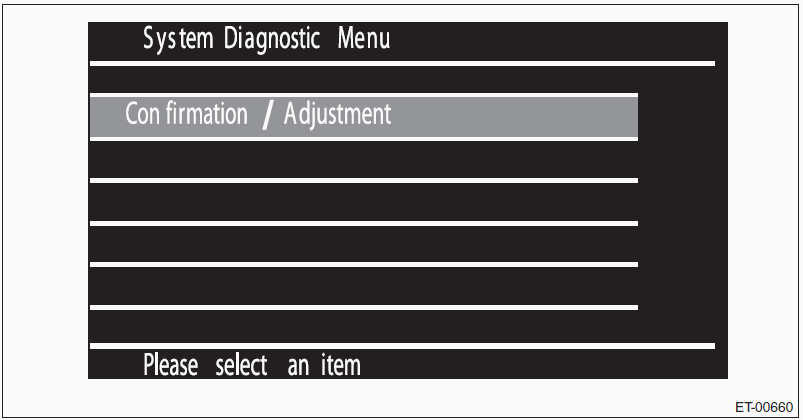 Courtesy of SUBARU OF AMERICA, INC.
- When «System.. > Confirmation/Adjustment» is displayed, select {Camera System} by SCROLL/TUNE dial, then press ENTER/SETTING key (SCROLL/TUNE dial).
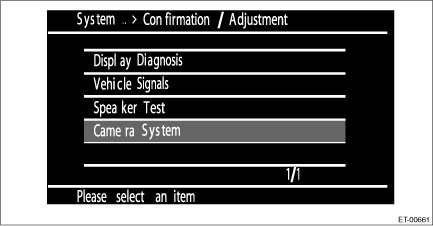 Courtesy of SUBARU OF AMERICA, INC.
- Check that the rear view camera image and marker are displayed.
- If they are not displayed, check the connection status of the connector. If there are no problems, the connection device or unit could be faulty.