September 30: LEMON manuals is back up on a temporary server! Slowness is possible
How To Use SUBARU Select Monitor
- Prepare the Subaru Select Monitor kit. < Ref. to
, PREPARATION TOOL , General Description. >
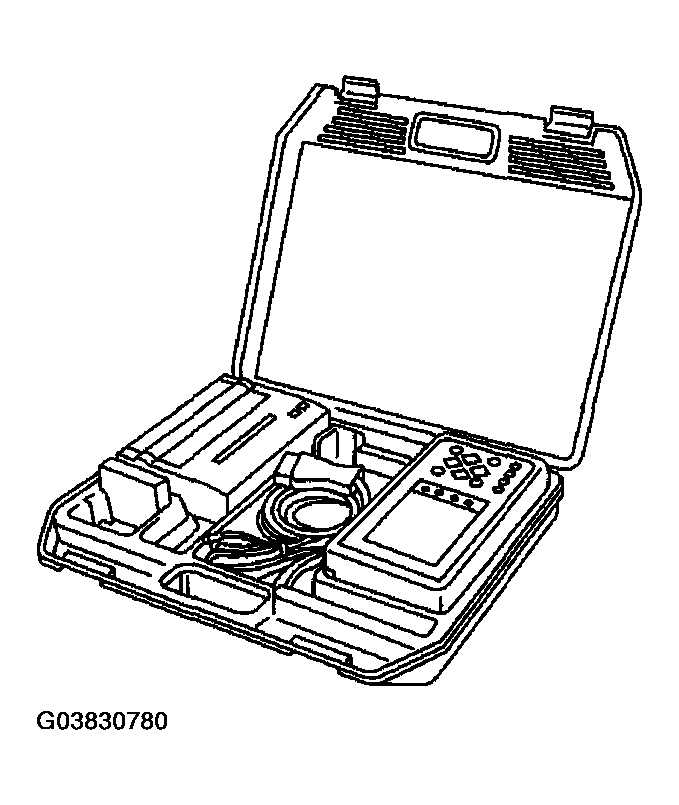 Courtesy of SUBARU OF AMERICA, INC.
- Connect the diagnosis cable to Subaru Select Monitor.
- Insert the cartridge to Subaru Select Monitor. < Ref. to
, PREPARATION TOOL , General Description. >
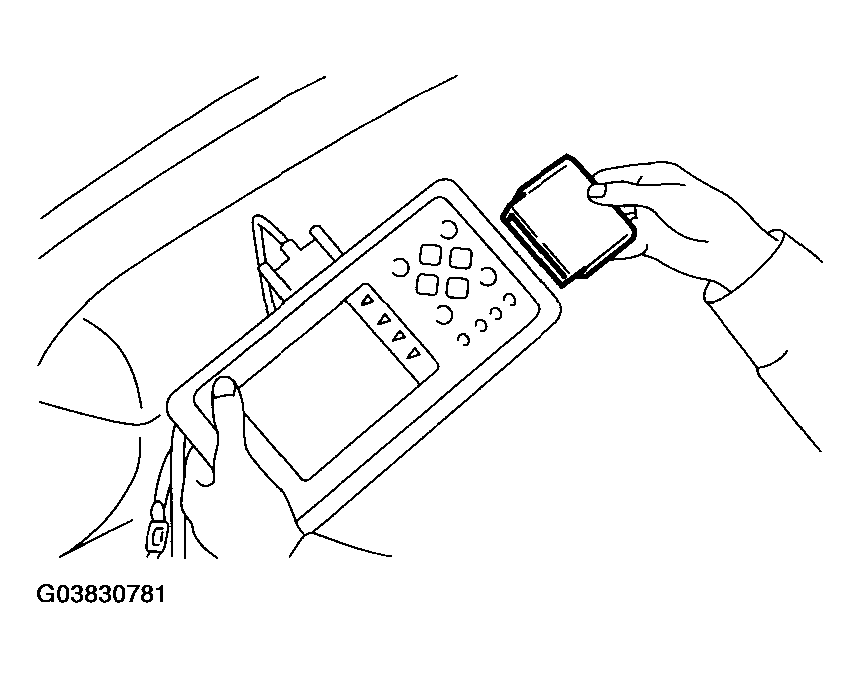 Courtesy of SUBARU OF AMERICA, INC.
- Connect the Subaru Select Monitor to data link connector.
- Data link connector located in the lower portion of the instrument panel (on the driver's side).
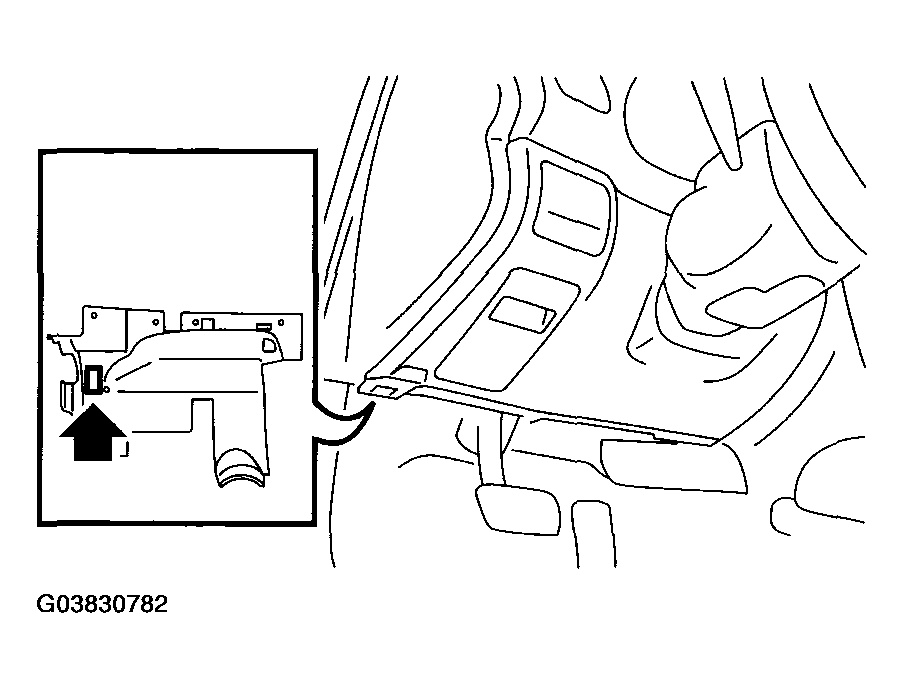 Courtesy of SUBARU OF AMERICA, INC.
- Connect the diagnosis cable to data link connector.
CAUTION:
Do not connect the scan tools except for Subaru Select Monitor and OBD-II general scan tool.
- Turn the ignition switch to ON (engine OFF) and turn Subaru Select Monitor switch to ON.
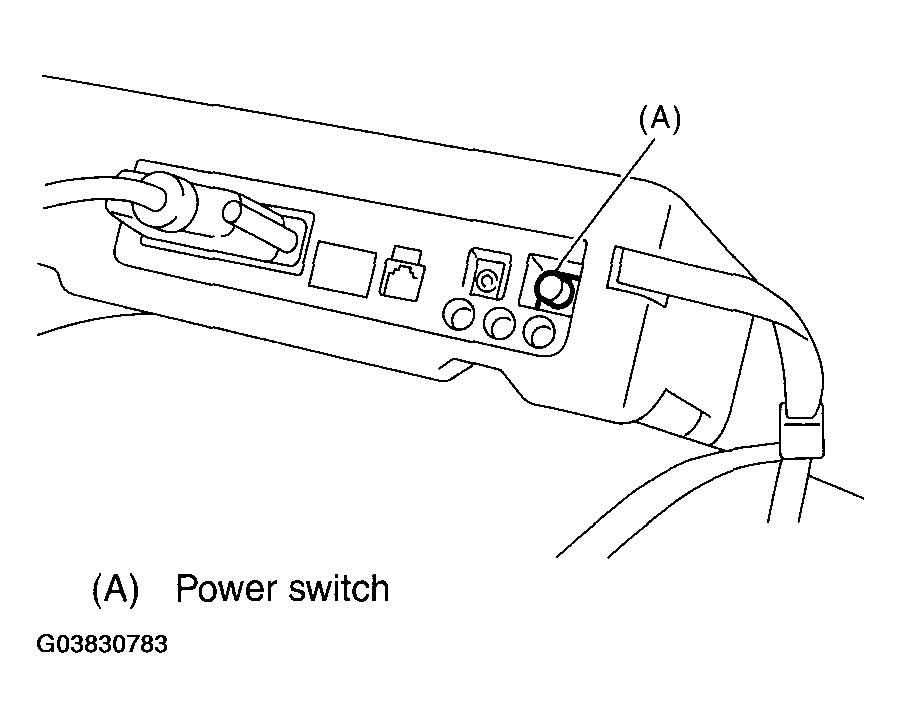 Courtesy of SUBARU OF AMERICA, INC.
- Using the Subaru Select Monitor, call up DTC and data, then record them.