How to Perform Actuator Test
DIAGNOSTIC FUNCTION
HOW TO PERFORM ACTUATOR TEST
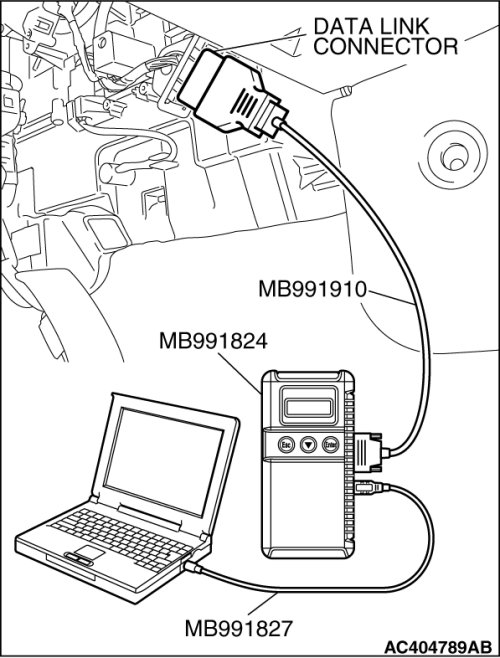
Required Special Tools:
- MB991958: Scan Tool (M.U.T.-III Sub Assembly)
- MB991824: V.C.I.
- MB991827: M.U.T.-III USB Cable
- MB991910: M.U.T.-III Main Harness A
CAUTION:
To prevent damage to scan tool MB991958, always turn the ignition switch to the "LOCK" (OFF) position before connecting or disconnecting scan tool MB991958.
1. Connect the scan tool MB991958 to the data link connector.
2. Turn the ignition switch to the "ON" position.
3. Select "Interactive Diagnosis" from the start-up screen.
4. Select "System Select."
5. Choose "Air Conditioner" from the "BODY" tab.
6. Select "MITSUBISHI."
7. Choose "Actuator Test" from "AUTO A/C" screen.
8. Choose an appropriate item and select the "OK" button.