How to Find and Use These Diagrams
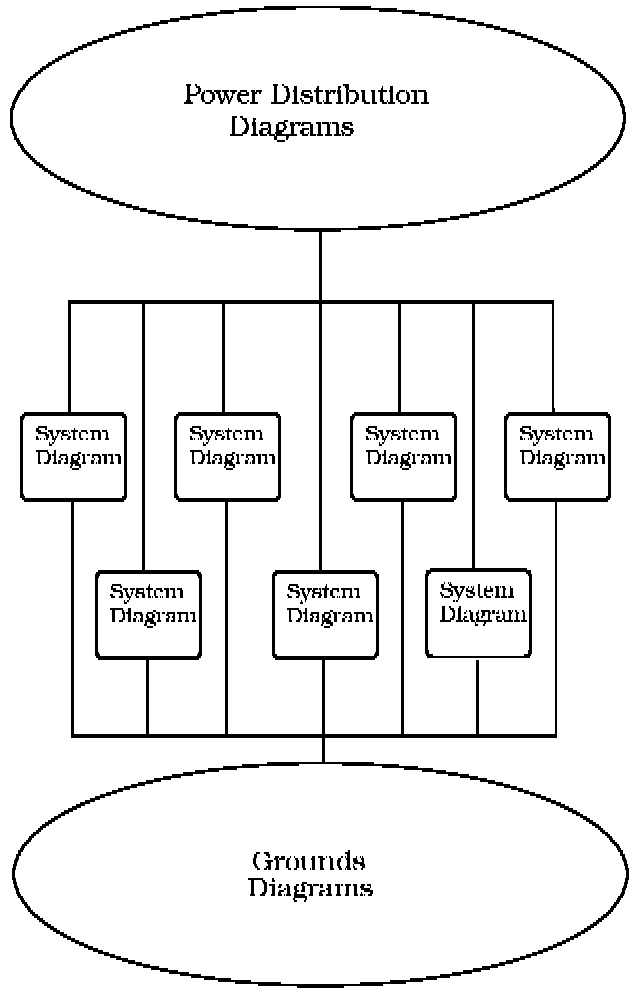
Diagrams are presented in three main categories:
- Power Distribution Diagrams
- System Diagrams
- Grounds Diagrams
Sample Power Distribution Diagram:
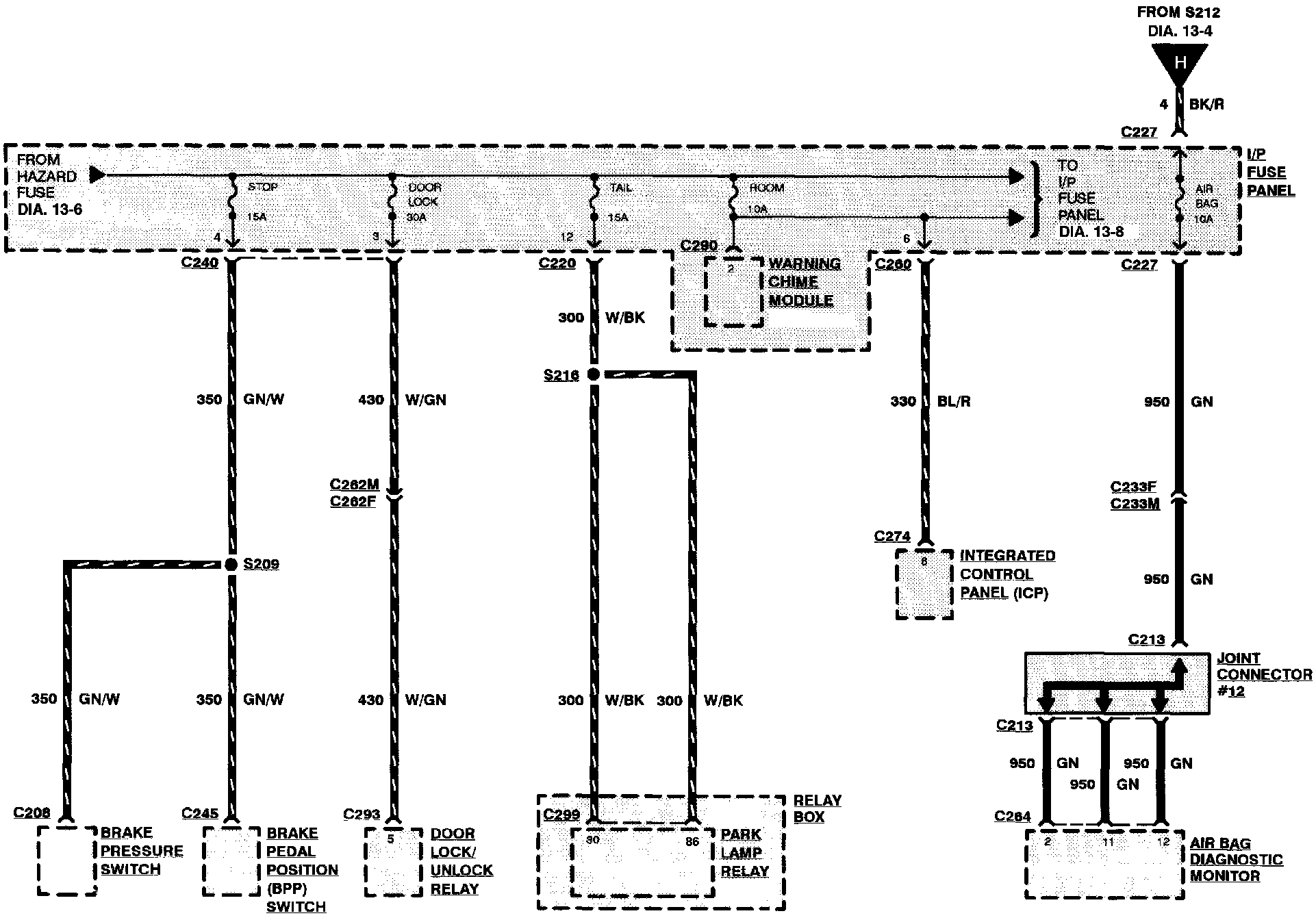
Power Distribution Diagrams
Provide the circuit details of how the system diagrams are powered. The power distribution source is shown at the top of a diagram page. All wires, connectors, and splices are shown in the same manner that the current flows, ending at the component/system being powered near the bottom of a diagram page. Circuits that go from one diagram page to another will be marked with large arrow heads.
The power distribution diagrams can be found at Starting and Charging/Power and Ground Distribution.
Sample System Diagram:
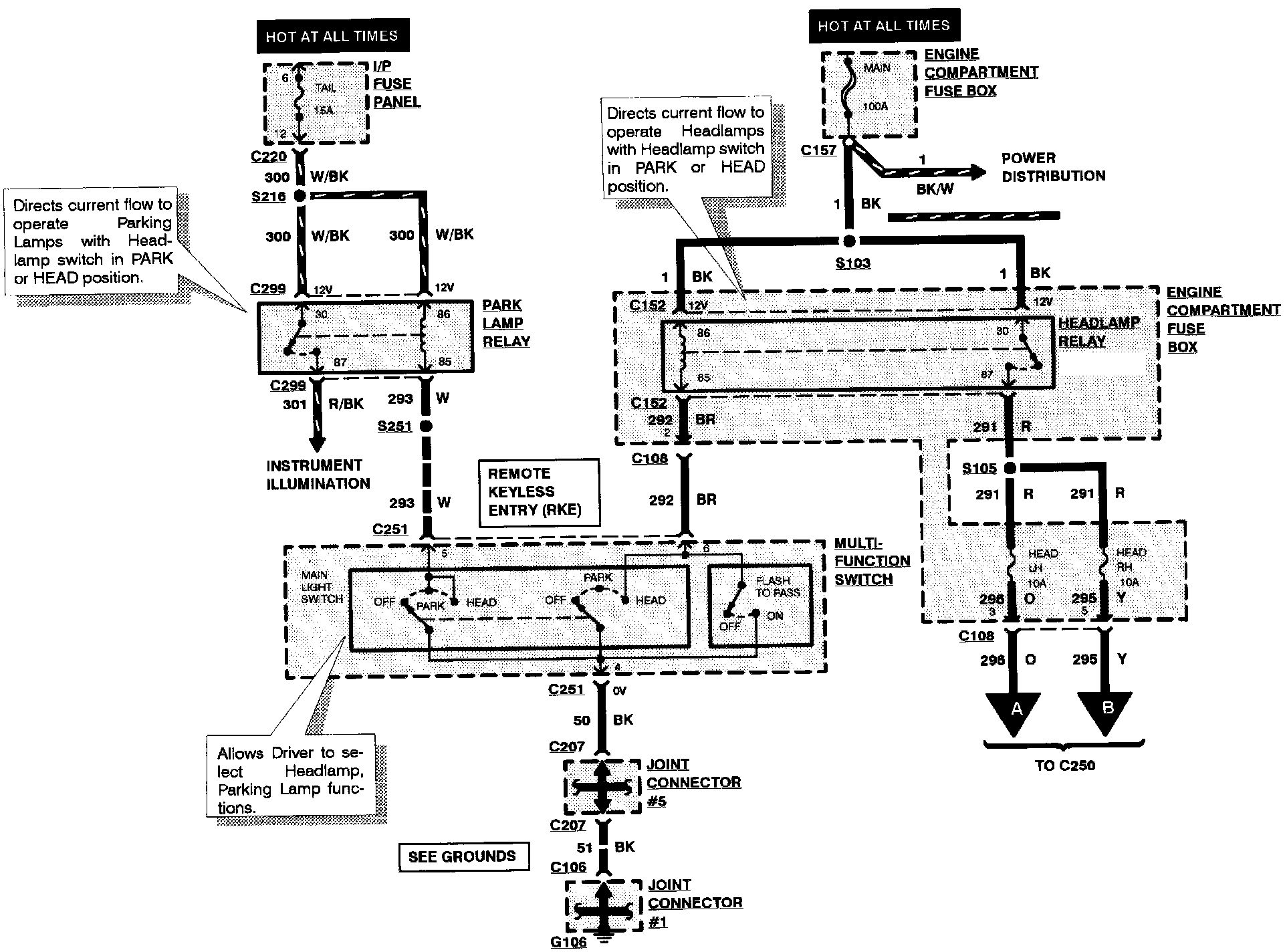
System Diagrams
Components that work together are shown together in a system/subsystem diagram or set of diagrams. The system feed (circuit breaker, fuse, etc.) is shown at the top of a diagram page. All wires, connectors, components, and splices are shown in the same manner that the current flows, ending at the ground at the bottom of a diagram page. Circuits that go from one diagram page to another will be marked with large arrow heads.
The system diagrams can be found at the specific Alldata System/SubSystem that they are most closely related to, such as Cruise Control, Powertrain Management, Radio/Stereo, etc.
Sample Grounds Diagram:
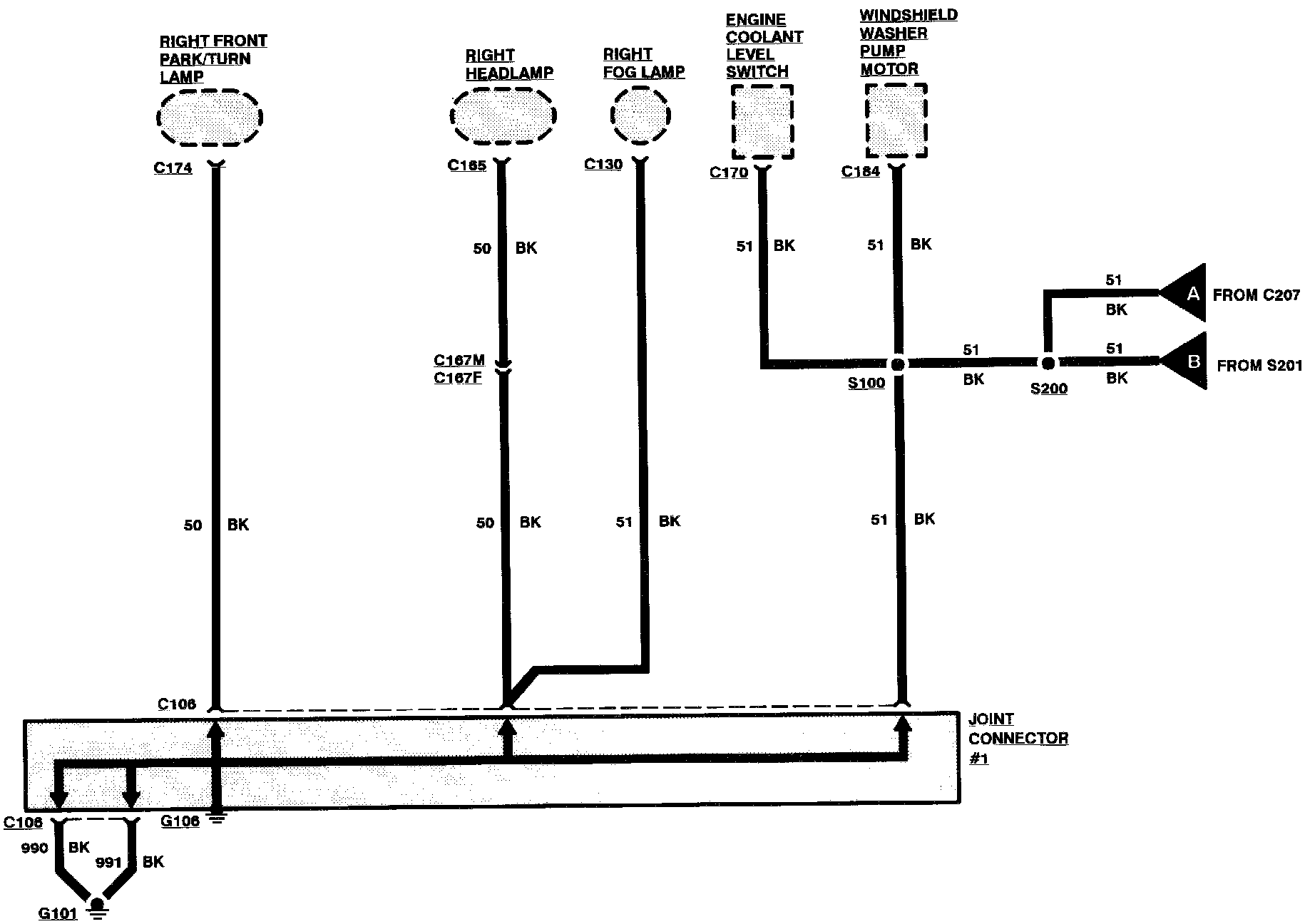
Grounds Diagrams
Provide the circuit details of how the system diagrams are grounded. This information is useful for checking interconnections of the grounding circuits of different systems. The components/systems being grounded are shown at the top of a diagram page. All wires, connectors, and splices are shown in the same manner that the current flows, ending at the ground at the bottom of a diagram page. Circuits that go from one diagram page to another will be marked with large arrow heads.
The grounds diagrams can be found at Starting and Charging/Power and Ground Distribution.