On-Board System Readiness Tests Access Procedure
On-Board System Readiness Tests Access Procedure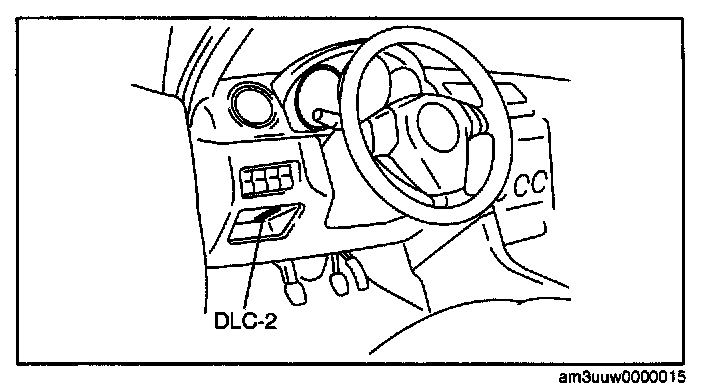
1. Connect the M-MDS to the DLC-2.
2. After the vehicle is identified, select the following items from the initial screen of the M-MDS.
- When using the IDS (laptop PC)
1. Select the 'Toolbox" tab.
2. Select "Powertrain".
3. Select "OBD Test Modes".
4. Select "Mode 1 Powertrain Data".
5. Select "PCM".
- When using the PDS (Pocket PC)
1. Select "OBD-II Modes".
2. Select "Mode 1 Powertrain Data".
3. Select "PCM".
3. Then, select the "SUP" and "EVAL" PIDs in the PID selection screen.
4. Monitor those PIDs and check it system monitor is completed.