Evaporator Case: Service and Repair
Evaporator AssemblyRemoval
1. Disconnect the battery ground cable.
2. Discharge and recover refrigerant.
- Refer to Refrigerant Recovery.
3. Remove glove box.
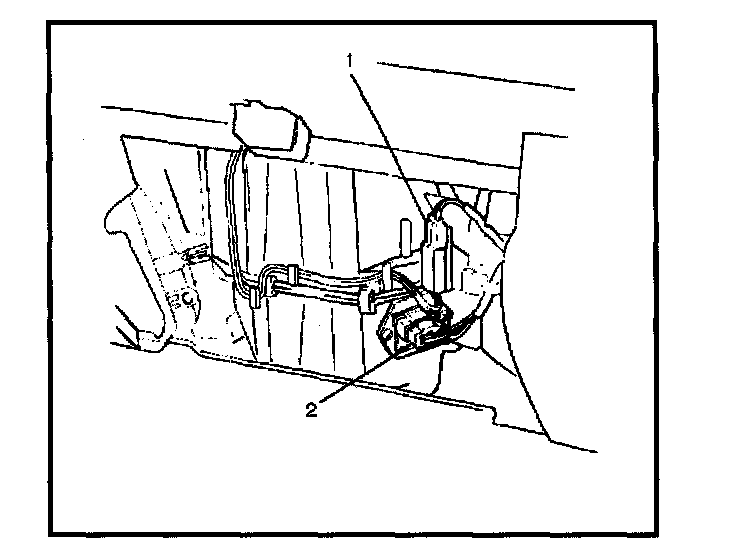
4. Disconnect resistor (2) and electronic thermostat connector (1).
5. Disconnect drain hose.
6. Disconnect refrigerant line.
- Use a back-up wrench when disconnecting and reconnecting the refrigerant lines.
- When removing the refrigerant line connected part, the connecting part should immediately be plugged or capped to prevent foreign matter from being mixed into the line.
7. Remove evaporator assembly.
Installation
To install, follow the removal steps in the reverse order, noting the following points:
1. To install a new evaporator assembly, add 50 cc (1.7 fl.oz.) of new compressor oil to the new core.
2. Tighten the refrigerant outlet line to the specified torque.
Torque: 25 N.m (18 lb ft)
3. Tighten the refrigerant inlet line to the specified torque.
Torque: 15 N.m (11 lb ft)
4. O-rings cannot be reused. Always replace with new ones.
5. Be sure to apply new compressor oil to the O-rings when connecting lines.