Automatic Update Procedure
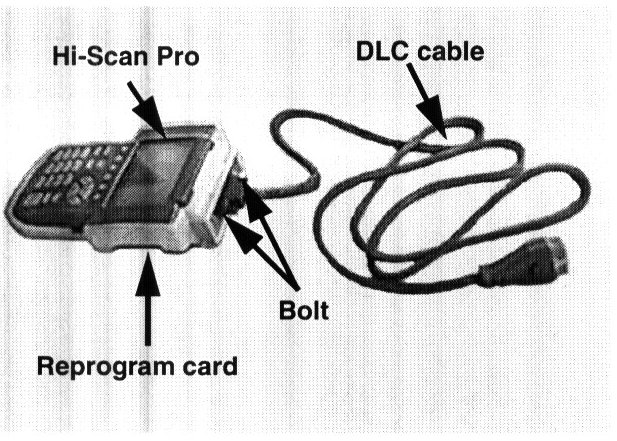
1. Attach the Data Link Connector (DLC) cable to the Hi-Scan Pro main body and tighten the 2 bolts securely.
2. Remove the current system software card from the Hi-Scan Pro and insert the reprogramming software card with the new ECM program into the Hi-Scan Pro top slot.
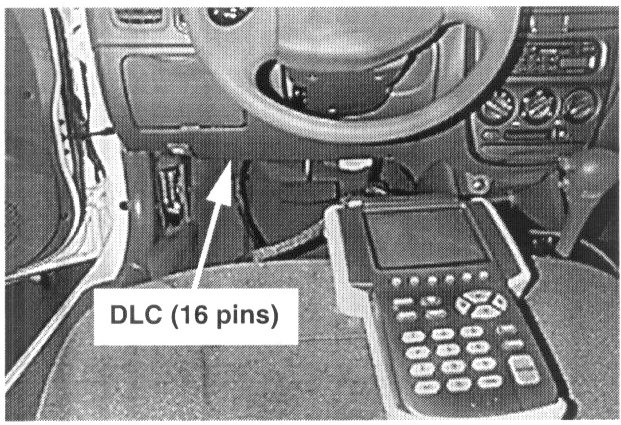
3. Plug the DLC cable from the Hi-Scan Pro into the Data Link Connector (16-pin connector) located left of the steering wheel under the instrument panel.
4. Turn the ignition to the ON position.
5. Turn the Hi-Scan Pro ON and press ENTER.
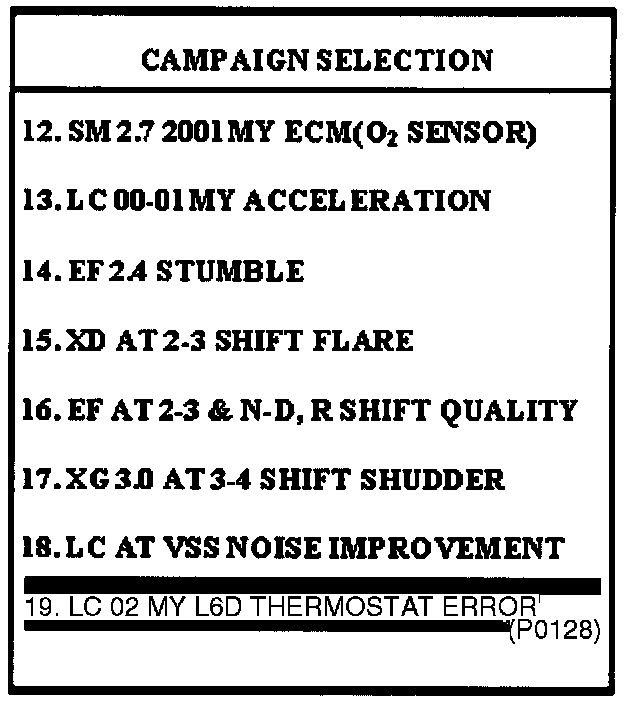
6. Select option "19. LC 02MY 1.6D THERMOSTAT ERROR (P0128)" and press ENTER.
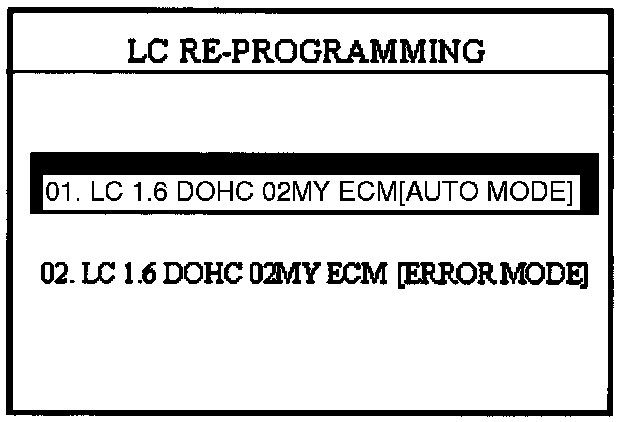
7. Select option "01. LC 1.6 DOHC O2MY ECM (AUTO MODE]" and press ENTER.
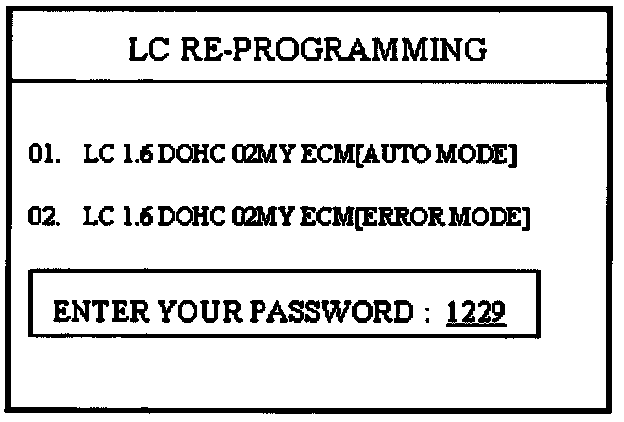
8. Enter "1229" as the password for the automatic update mode and press ENTER.
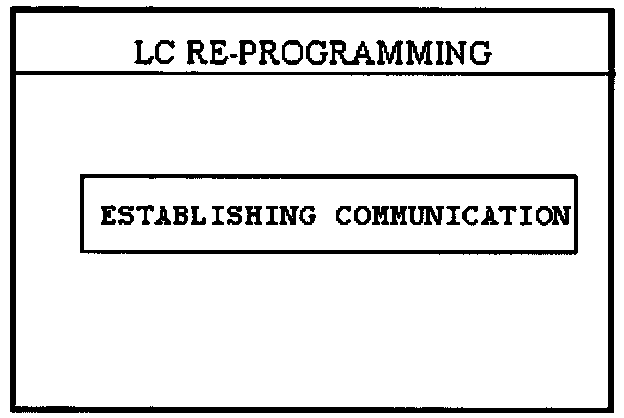
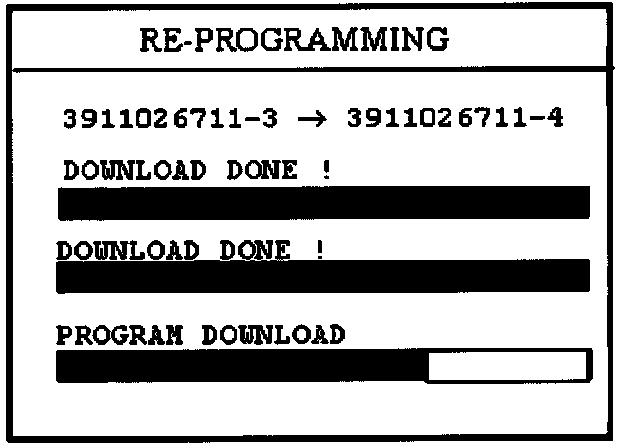
9. The Hi-Scan Pro will establish communication, check the ECM ID and reprogram the ECM automatically.
NOTE:
^ The Hi-Scan Pro detects the current ECM ID (affected) and assigns the new ECM ID (target) and displays them for less than 1 second.
^ If the Hi-Scan Pro does not download the program, use the Manual Update Procedure following this section.
^ Check the ECM IDs displayed on the Hi-Scan Pro screen to verify that the correct ECM software is being downloaded. Refer to the "ECM SPECIFICATION TABLE" in this TSB.
WARNING:
Do not interrupt the reprogramming at any time. The ECM will be rendered inoperative if the program does not download completely.
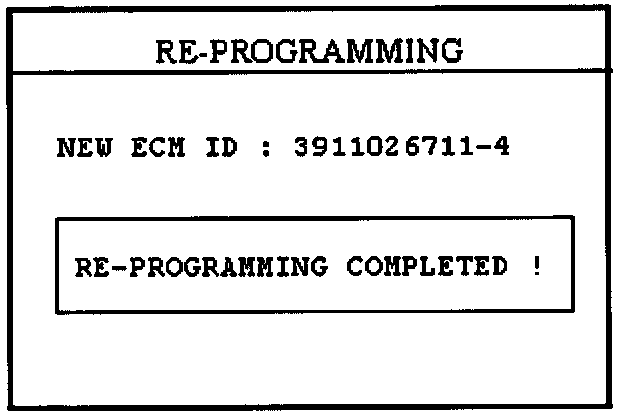
10. When the COMPLETED message is displayed, turn the Hi-Scan Pro OFF and the process is complete.
11. Turn the ignition to the OFF position for 20 seconds and then start the engine to check for proper operation.