October 30: LEMON manuals on a temporary server, it is slow and having issues, download the manuals you need! Later in November we will switch back to the fast server.
Removal Procedure
- Raise the vehicle. Refer to Lifting and Jacking the Vehicle
in General Information.
 Courtesy of GENERAL MOTORS CORP.
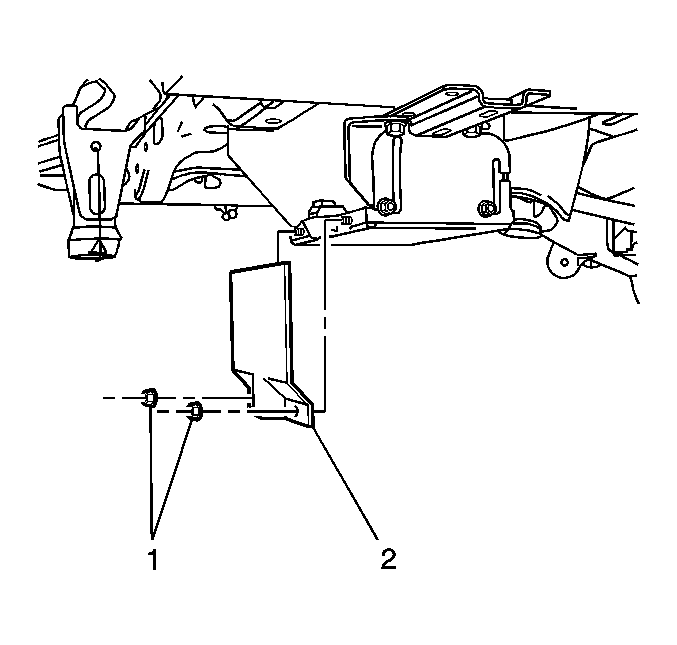
- Remove the rear battery cover nuts (1) and cover (2).
- Disconnect the negative and positive battery cables.
 Courtesy of GENERAL MOTORS CORP.
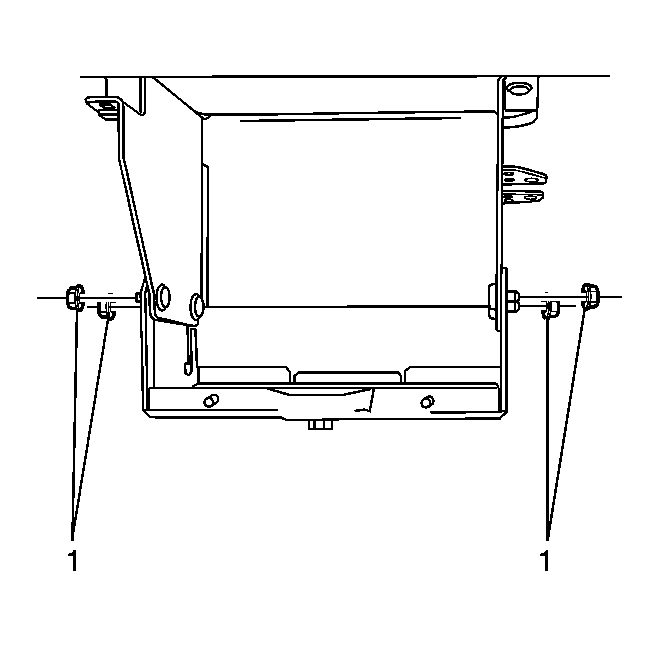
- Loosen the lower battery box slide nuts (1).
 Courtesy of GENERAL MOTORS CORP.
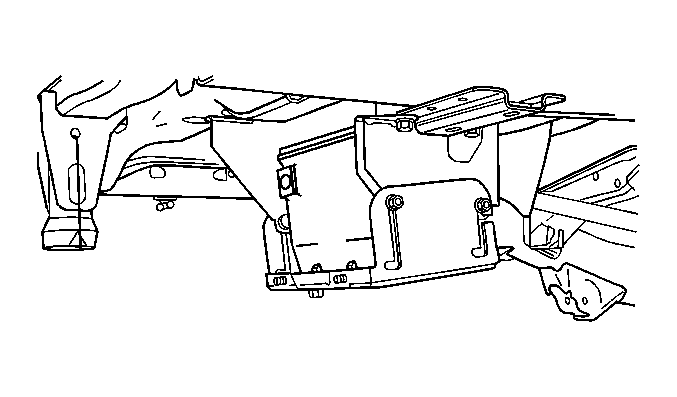
- Drop down the lower battery box to access battery.
 Courtesy of GENERAL MOTORS CORP.
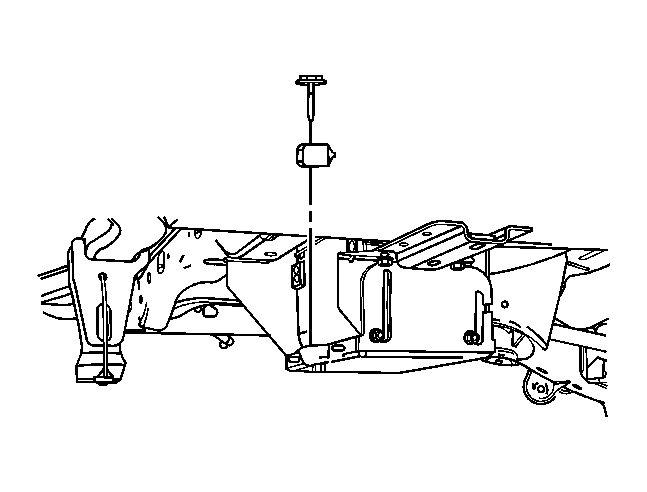
- Remove the battery hold-down bolt and hold-down.
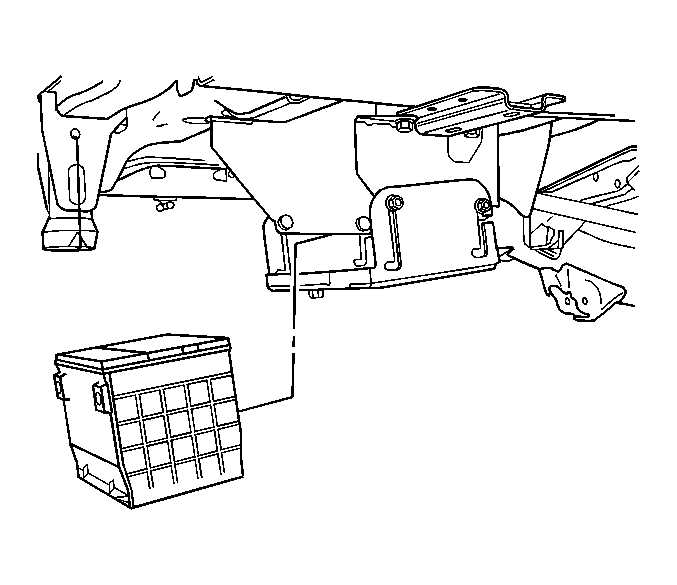 Courtesy of GENERAL MOTORS CORP.
- Remove the battery from lower battery box.
Courtesy of GENERAL MOTORS CORP.
- Remove the lower battery box slide nuts (1) from studs.
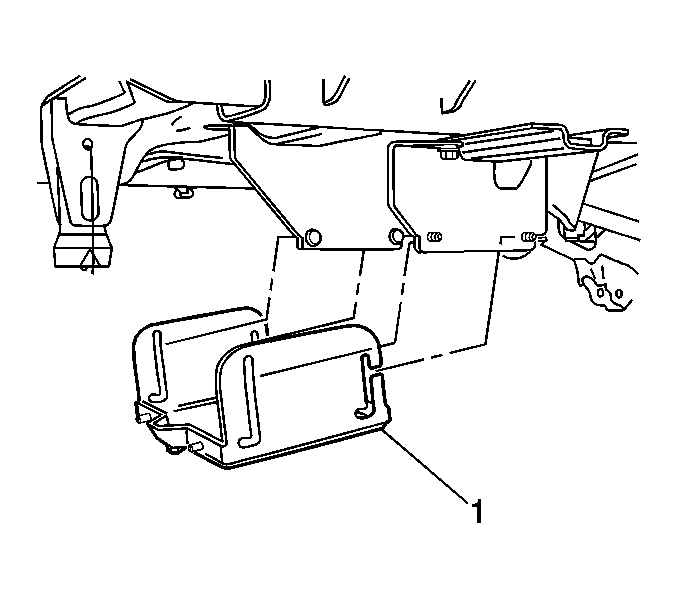 Courtesy of GENERAL MOTORS CORP.
- Remove the lower battery box (1) from upper battery box.