October 30: LEMON manuals on a temporary server, it is slow and having issues, download the manuals you need! Later in November we will switch back to the fast server.
Removal Procedure
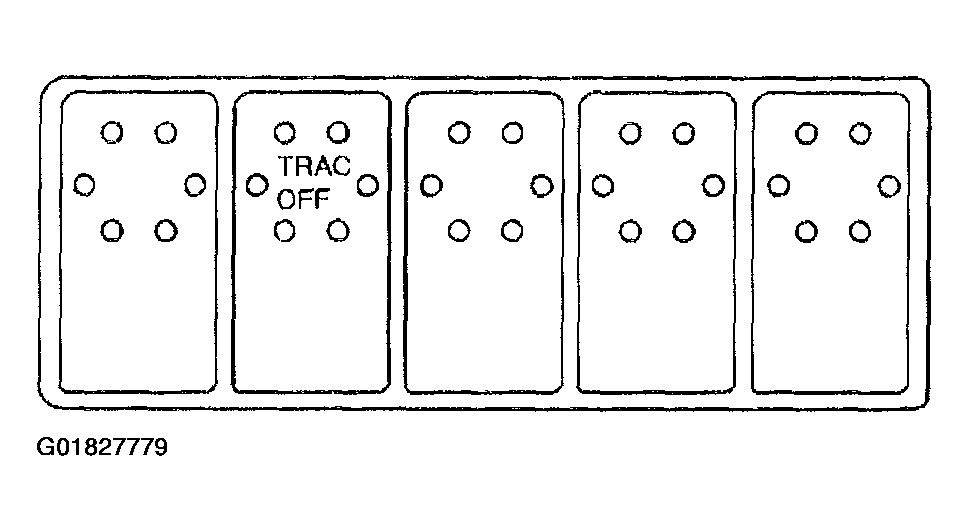
- Remove the instrument panel accessory trim plate. Refer to TRIM PLATE REPLACEMENT - IP ACCESSORY
.
 Courtesy of GENERAL MOTORS CORP.
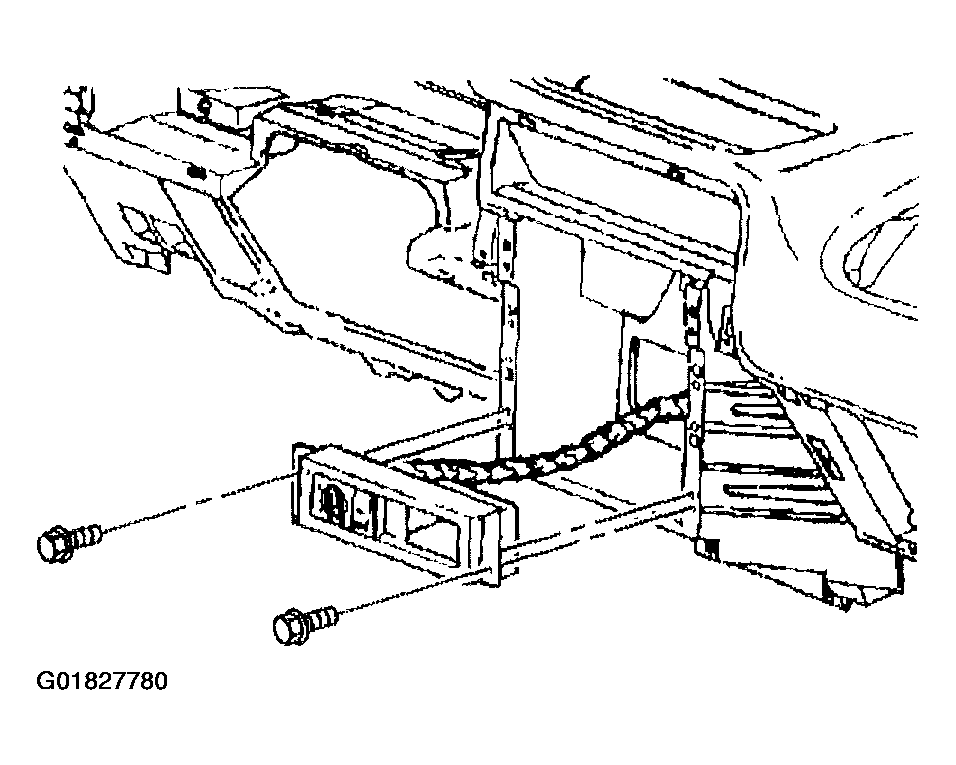
- Remove the bolts/screws from the switch bank to instrument panel.
- Pull straight out from the instrument panel in order to remove the switch bank from the instrument panel.
 Courtesy of GENERAL MOTORS CORP.
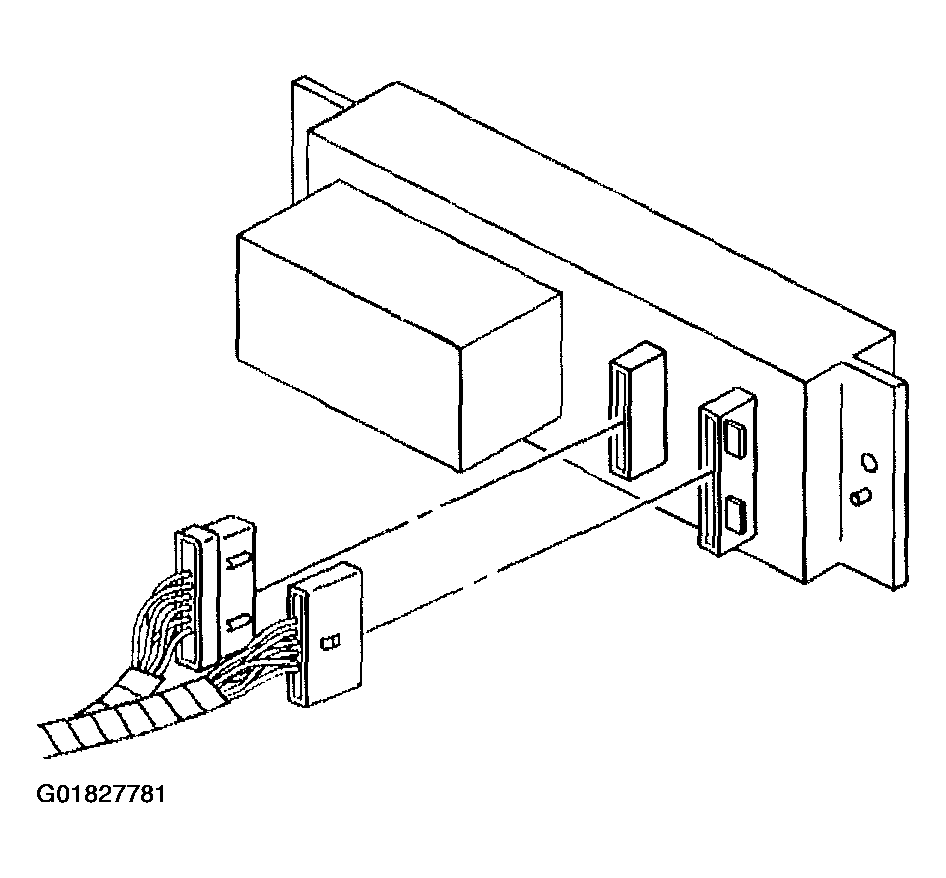
- Disconnect the electrical connectors.
 Courtesy of GENERAL MOTORS CORP.