October 30: LEMON manuals on a temporary server, it is slow and having issues, download the manuals you need! Later in November we will switch back to the fast server.
Installation Procedure
- Connect the electrical connectors to the body control module.
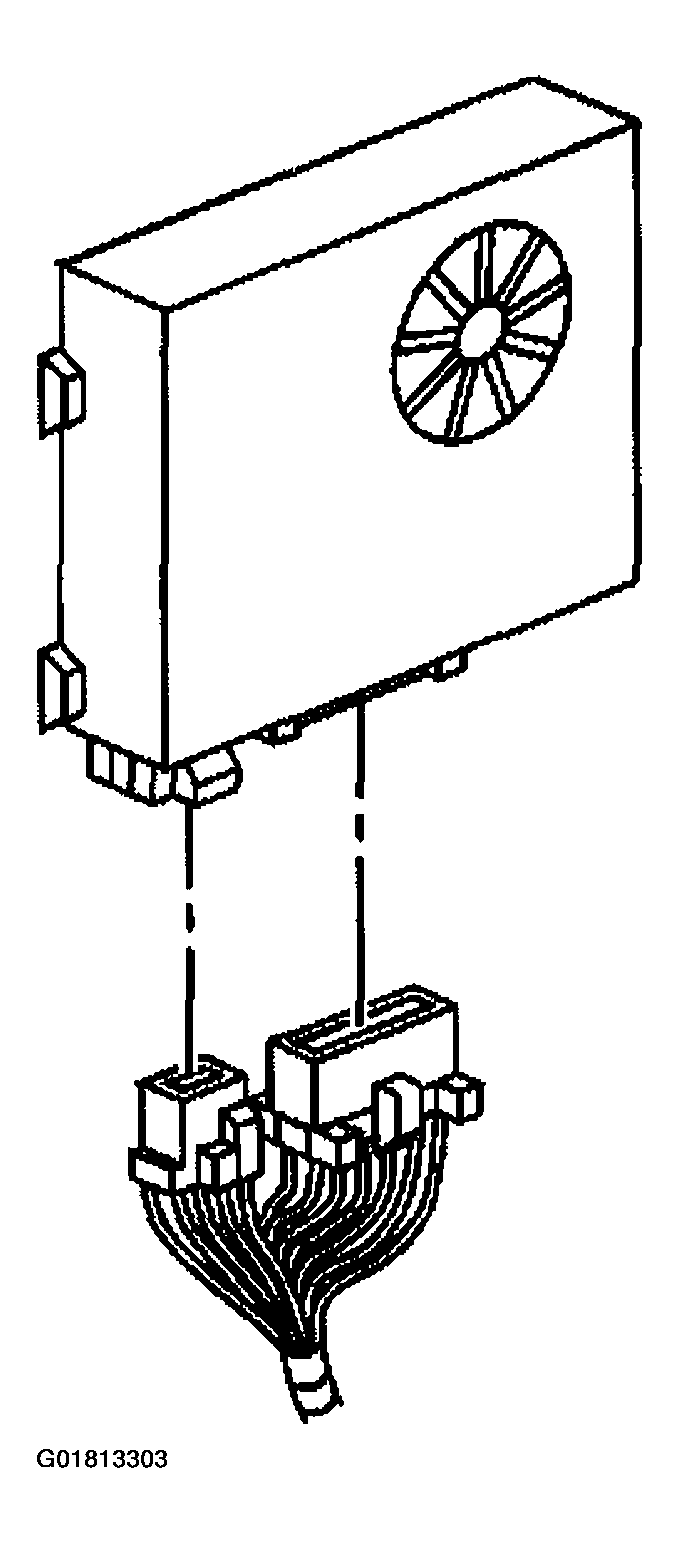 Courtesy of GENERAL MOTORS CORP.
- Align the tabs on the body control module with the slots in the mounting bracket. Push the body control module up until it clicks in place.
- Install the right side instrument panel insulator. Refer to CLOSEOUT/INSULATOR PANEL REPLACEMENT - RIGHT
.
- Connect the battery negative cable. Refer to BATTERY NEGATIVE CABLE DISCONNECT/CONNECT PRO
.
- Setup the BCM's customized options.
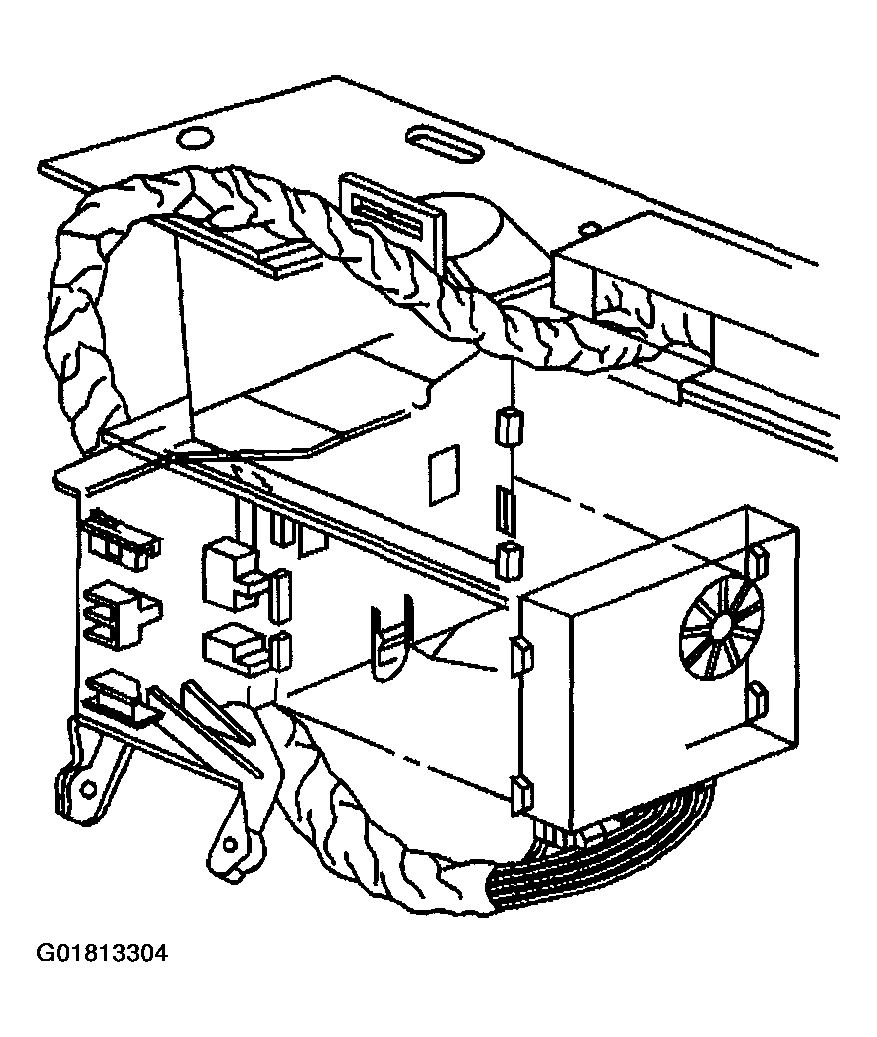 Courtesy of GENERAL MOTORS CORP.